Occupational health
Neck and back
Poor posture at the officeEighty thousand hours sitting down, and the body keeps count
The best chair on the market can't make up for eight hours without getting up. What sustained posture causes, how to adjust your workstation in five minutes and what to do if the pain has lasted months.

Why the body hurts after eight hours sitting down
Because sitting is not a neutral position. The spine has natural curves, and holding it away from them for hours forces the muscles to work without rest. That sustained tension is what ends up hurting.
The factors are well identified: sitting without breaks, a flexed neck, keyboard and mouse far from the body, forearms above the desk and stress. None is dramatic on its own. All together, every day, they are. More than half of office workers report lower back pain (55%), with upper back and neck pain not far behind (53% and 52.5%). A non-neutral posture also destabilises the shoulder and increases muscle activation there: hence the sore trapezius without having lifted anything.
The cost that doesn't show up in sick leave
93% of those in pain keep working, and only 7% stop. That is the problem: the cost is poorly accounted for, because it is presenteeism. It starts as a vague tension in the trapezius mid-afternoon that nobody mentions or records. It continues with more informal breaks, less concentration and more mistakes, which nobody measures. It becomes chronic, goes from afternoons to all day and returns whenever the workload peaks. And when sick leave is finally taken, the episode is already long and costly. It could have been caught earlier.
The regulations are clear: Ley 31/1995 (Spain's Occupational Risk Prevention Act) requires ergonomic risks to be assessed and the workstation adapted to the person, RD 488/1997 regulates work with display screens and Ley 10/2021 (Remote Work Act) extends this to remote work. Assessment is mandatory, but it often stops at a questionnaire. What changes the numbers is someone adjusting the workstation and a fast track when pain appears.
The five symptoms, in order of arrival
The first warning sign is neck pain, from keeping the neck flexed towards the screen; it starts as tension in the trapezius mid-afternoon. Lower back pain is the most common and the one that costs the most days, and it flares up when the lower back is unsupported and the pelvis tilts backwards. Shoulder and wrist suffer from the position of the keyboard and mouse, and from resting the forearms on the desk; this is where tendinopathies and carpal tunnel come in.
Then come fatigue and poor circulation: heavy legs, swollen ankles and exhaustion without physical effort, because stillness is tiring. And in the long term, postural changes: rounded shoulders, head forward of the body's axis, increased upper back curve. Reversing it is harder than preventing it. If the pain has lasted more than three weeks or returns whenever the workload peaks, it is not a one-off niggle.
Four adjustments you can make today
Five minutes and nothing to buy. The one that brings most relief and almost nobody does is raising the screen, with the top edge at eye level. The one with the strongest evidence is getting up every hour, two minutes standing to stretch and move, because the underlying problem is immobility. Next, adjust the seat: feet on the floor, knees at 90 degrees and lower back against the backrest, with a cushion if it doesn't reach. And adjust the desk, between 60 and 75 cm, with elbows at 90 degrees, shoulders relaxed and keyboard and mouse close to the body.
What really works and what is wasted money
 Avoid
Avoid
Laptop not raised
Hours with the laptop flat on the desk force sustained neck flexion, one of the clearest risk factors. A couple of books and a separate keyboard fix it for free.
 With caveats
Ergonomic equipment
Chairs and sit-stand desks only help if they are used properly. Studies on sit-stand desks are emphatic: the equipment changes nothing if the habit doesn't change. Buying without adjusting is wasting money.
 Recommended
Active breaks
Reviews of workplace exercise programmes show clear reductions in neck, upper back, shoulder and wrist pain. The best supported and the cheapest option.
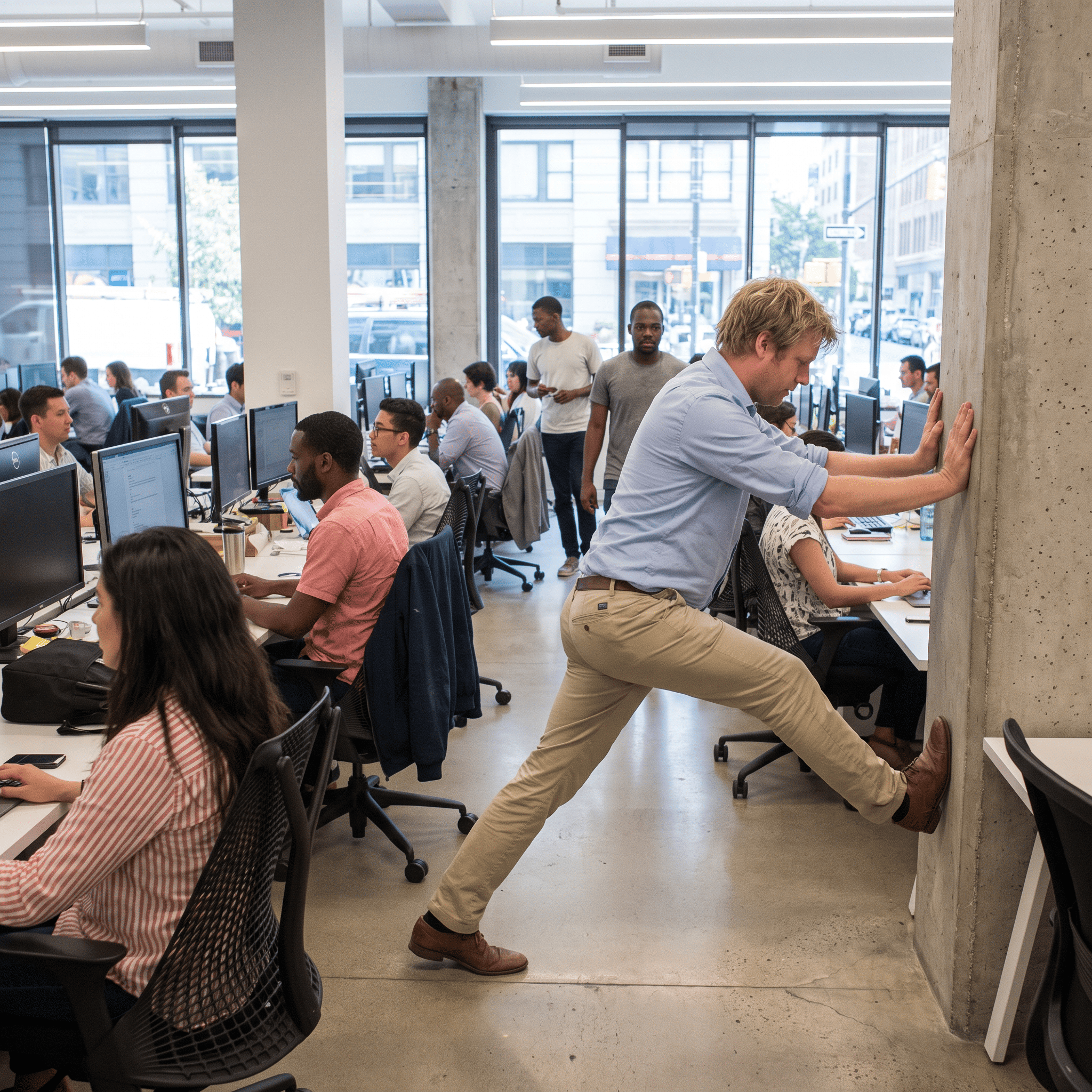
Two minutes, standing, next to the desk
An exercise that opens the chest and brings the shoulders back into place after hours at the keyboard. Standing with arms by your sides, raise your shoulders up to your ears while lengthening your back and hold for 5 seconds. Then lower your shoulders, draw them back and clasp your hands, bringing your shoulder blades together, for another 5 seconds. Repeat ten times, once or twice a day, ideally mid-morning and mid-afternoon. If it hurts during the exercise, stop: that is no longer built-up tension and it should be assessed.
When the pain has lasted months, adjusting the workstation is not enough: you need to recover mobility and strength with a progressive programme and follow-up, not a generic stretching routine.
.png)